
This article provides beginners with a clear, actionable process that covers everything from preparing accounts and qualifications, selecting products and billing methods, to purchasing and binding them in the console, configuring networks and security groups, considerations for DNS and registration, as well as troubleshooting common issues. Through step-by-step instructions and key points, it helps you deploy public network access capabilities in Alibaba Cloud’s Hong Kong environment in the shortest time possible.
How to prepare the qualifications and account settings before purchasing?
Purchase Alibaba Cloud Hong Kong Native IP First, make sure your Alibaba Cloud account has completed identity verification and has the necessary payment permissions enabled. Individual users and business users may need to provide different verification documents (for example, businesses need to upload their business license). Additionally, it is recommended to link a mobile phone number and email address in the console in advance to receive orders and for security verification. If used for commercial purposes, it is also necessary to understand Hong Kong’s compliance requirements for content and services to ensure there are no restrictions in the future due to policy issues.
Which region is more suitable for binding with the instance type? Hong Kong-native IPs ?
When selecting a region, choose “Hong Kong” or “Asia-Pacific (Hong Kong)” as the relevant option. For instances, prioritize network capabilities and expected load. For lightweight applications, a lightweight application server or an ECS instance with a smaller specification can be chosen. For scenarios with high traffic or requiring more fine-grained network control, it is recommended to use a standard ECS instance along with a dedicated bandwidth package. Note that different instances support different intra-line/cross-line exit policies. Confirming whether direct access to the public internet and BGP multi-link are supported are important factors in making a choice.
Where can I purchase and assign a native IP in the console?
In the Alibaba Cloud console, go to the “Network & Security” or “Public IP” page. When purchasing a public IP, make sure to select “Native IP (IPv4)” and set the target region to Hong Kong. The purchase process includes selecting the billing mode (billing by bandwidth or billing by traffic), the bandwidth limit, and whether to purchase an Elastic IP (EIP) or a bandwidth package. After placing an order, it can be bound in the EIP list by selecting the target ECS or load balancing instance to complete the assignment.
How to complete binding and network configuration on an instance?
After completing the EIP allocation, proceed to the “Public IP Binding” section of the instance. Select the ECS instance or SLB instance you want to bind it to and confirm. After binding, it is necessary to configure the instance’s private and public network routes within the system, set up security group and ACL rules, and open the required ports (such as 80/443/22, etc.). If load balancing or CDN is used, ensure that the backend health checks are consistent with those of the origin server. Additionally, to ensure access stability, set up the correct gateway and DNS resolution within the instance to avoid access issues caused by local DNS caching.
Why is it necessary to pay attention to record-keeping and compliance issues (differences between Hong Kong and the Chinese mainland)?
Although Hong Kong servers generally do not require ICP registration in mainland China, it is still recommended to consider registration, domain name resolution, and CDN acceleration strategies if targeting users in mainland China to improve accessibility. Accessing addresses in Hong Kong from the mainland may be affected by network fluctuations. Using domestic nodes as a reverse proxy or adopting a hybrid cloud solution can improve the experience. If sensitive content or financial services are involved, it is necessary to further understand the laws and regulations in Hong Kong and the target user regions to avoid violating prohibited content and causing the service to be shut down.
What are the costs and quota limits, and how should I choose the billing method?
The cost structure mainly includes the rental fee for the EIP itself, bandwidth fees (charged based on bandwidth or traffic), as well as other costs incurred by instances and traffic. Charging by bandwidth is suitable for stable traffic needs and easy budgeting ; Charging by traffic is more suitable for scenarios with unstable peaks to save costs. AliCloud also sets EIP quotas for each account or region. If the default quota is insufficient, an increase can be requested through a ticket. The actual cost can be simulated in the billing estimator tool on the console for expenses under different bandwidths and billing modes.
How to configure DNS and optimize acceleration after access?
After binding the EIP and completing the instance configuration, it is recommended to point the A record of the domain name to that public IP address, or to a CNAME when using load balancing. To improve access speed from the mainland, consider connecting to Alibaba Cloud CDN and configuring the origin server as a Hong Kong EIP. CDN can effectively reduce cross-border latency issues. Enabling HTTP/2, GZIP compression, and appropriate caching strategies can also significantly improve access efficiency. Additionally, the monitoring resolution time (TTL) and the global node distribution of DNS resolution service providers also affect the initial access speed.
How to conduct pre-launch testing and troubleshoot common issues?
Before going live, test connectivity, download speeds, and latency from different network environments (mainland China, Hong Kong, overseas), using tools such as ping, traceroute, and curl to identify path issues. Common issues include ports not being opened in the security group, firewalls within the instance blocking access, EIPs not being successfully bound, DNS not working or TTL not being refreshed, and bandwidth being throttled. In case of cross-border packet loss or high latency, you can contact Alibaba Cloud’s after-sales support to investigate the BGP connection and check for any scheduling or carrier-related speed limitations.
Where can I apply to increase my quota or get technical support?
If more EIPs or bandwidth limits are needed, you can submit a quota increase request through the Alibaba Cloud console. Providing details about the use case and estimated resource requirements will help facilitate approval. Technical issues can be resolved with help through console tickets, online customer service, or community forums. For urgent failures, it is recommended to submit an emergency ticket and provide the instance ID, EIP, time period, and network diagnostic information to facilitate quick resolution. Retaining operation records and alarm logs helps accelerate issue resolution.
- Latest articles
- How To Test CN2 Japan Link Quality And Generate Visual Reports
- Illustrated Guide To Setting Up IPs For Singapore Servers, Completing Network Segment Routing And Firewall Configuration
- Key Points For Disaster Recovery Switching And Load Balancing Design For VPS Nodes At The Vietnamese Node In Enterprise-level Architectures
- How To Determine How Much To Rent A VPS In Korea Based On Business Scale And Match Performance Requirements
- Vietnamese CN2 Service Provider: Price And Service Comparison To Help You Choose Quickly
- How Do Enterprises Assess The Time It Takes For Tencent Cloud Singapore Servers To Recover After A Failure?
- Guidance On The Application Of Korean IP Native In SEO And Refined Promotion Operations
- Cross-server StarCraft Battle, Creating A Room, Choosing A Korean Server, Multi-country Player Experience Analysis
- Consider Multi-region Backups: Which Cloud Server In Taiwan Is Recommended With Excellent Disaster Recovery Capabilities?
- From Latency To Throughput, A Comprehensive Assessment Of The Large Bandwidth Advantages Of Hong Kong's Native IPs
- Popular tags
-

Cost Reduction And Efficiency Improvement Strategies: Methods For Resource Scheduling And Cost Control In High-Security Hong Kong Cloud Servers
This article introduces practical strategies for high-security Hong Kong cloud servers in terms of resource scheduling and cost management, including auto-scaling, load balancing, containerization, CDN acceleration, DDoS protection, billing optimization, as well as recommendations for selecting suppliers and making purchases. -
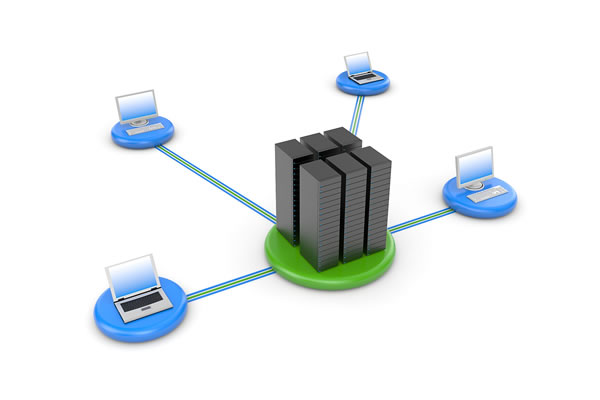
Advantages Of Hong Kong's High-defense Servers Keep Your Business Away From Cyber Attacks
the advantages of hong kong's high-defense servers keep your business away from cyber attacks, understand the characteristics of high-defense servers and how to choose the right solution. -
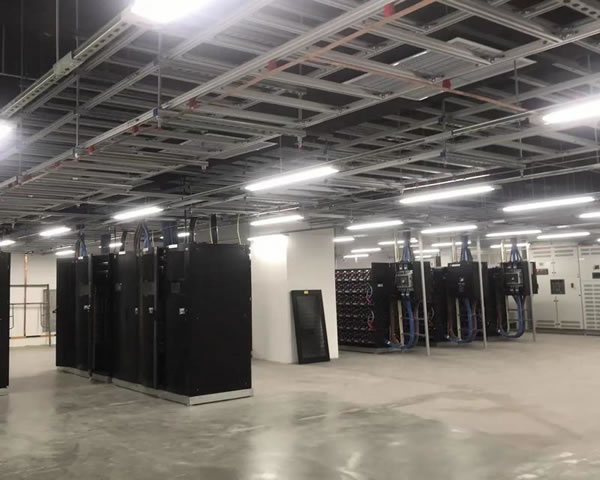
How To Improve Website Protection Capabilities Through Hong Kong High-defense Servers
this article explores how to improve website protection capabilities through hong kong high-defense servers, including choosing the best and cheapest server solution.